GTN
Skip to content

GTN PLATFORM — WEIGHING SYSTEMS

Your weighing systems, connected.
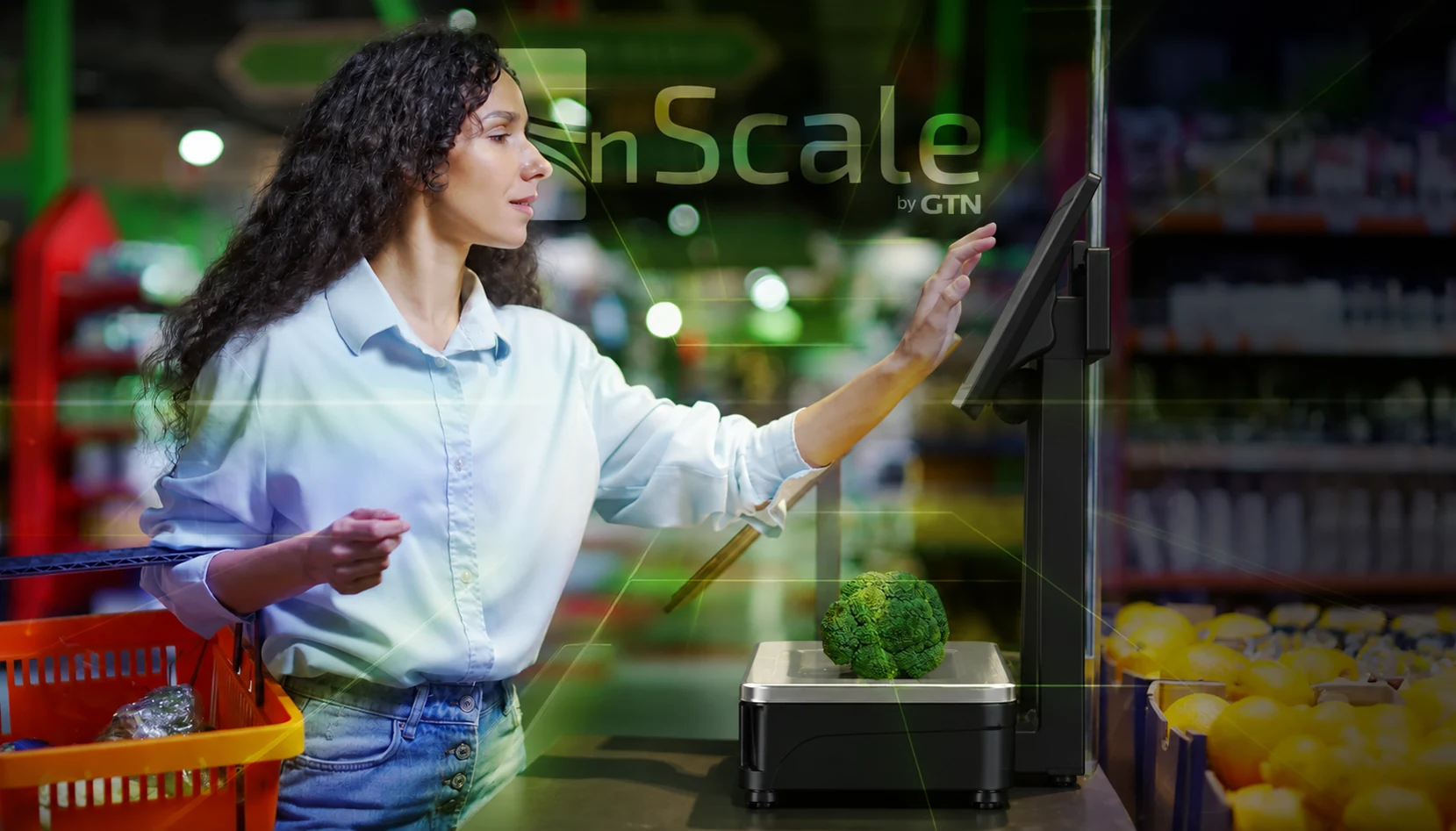
nScale by GTN
nScale by GTN

The vision

Every scale, connected.

nScale centralises the management of scales and wrapping machines, connecting backoffice data to everyday department operations.

Shared control

Manage devices and stores with consistent, repeatable settings.

Fewer repetitive tasks

Update product records and send changes to connected devices.

GTN
TRY THE CONNECTION
nScale by GTNCentral management
Producev01
Deliv01
Fishv01

All three example scales are aligned.

Illustrative demo with fictional data, not the software interface.

The network

One update. Everyone aligned.

Check connection status and distribute changes across your weighing network.

Scale network

Check device status and connections from a central management point.

Distribute changes

Identify modified products and send updates to connected devices.

Multiple stores

Centralise settings and replicate configurations across stores.

GTN

Products

Good data for every department.

Product records, images and tares reflect the needs of each product and department.

Departments and tares

Create and edit departments and configure their tares.

Product records

Create or update products with images, specific tares and traceability information.

From the backoffice

Populate the product database through backoffice import procedures.

Custom schemas

Define product and traceability schemas for your installation.

GTN
EXPLORE A BATCH
Batch BV-024
DEMO
ProductBeef cut
Recorded weighings3
Weighing 011.25 kg
Weighing 020.85 kg
Weighing 031.40 kg

Illustrative demo with fictional data, not the software interface.

Traceability

From batch to weighing.

Link products to batches and organise information across food supply chains.

Food supply chains

Support for cattle, pigs, poultry, sheep and goats, and fish.

Batches and products

Associate products with traceability schemas and record batch information.

Data entry

Batch information is currently entered manually.

In development

Automatic import through slaughterhouse QR codes and integration with external sources.

GTN
CONNECTED SYSTEMS
Mettler Toledo
BackofficenScale

Drivers and APIs connect data to weighing systems.

Integration

Connected to your installation.

Drivers, APIs and import procedures connect the backoffice to weighing systems.

Mettler Toledo

Management of Mettler Toledo scales and wrapping machines.

Import formats

Mettler Toledo: 4plu-seq. Bizerba: bz00varp and bz00vate. Custom formats are also supported.

Store configuration

Imports tailored to the retail brand or individual store, including command-line imports.

Databases and interfaces

MySQL database connection and integration through drivers and APIs.

GTN

Displays

Scales that communicate.

Bring images and promotional content to the second display of connected scales.

Up to 20 images

Create a slideshow and define the display duration of each image.

Direct delivery

Send images to connected scales.

In development

Scheduling slideshows containing images and videos.

GTN
INFOGRAF
Batch BV-024
DEMO
Total recorded weight3.50 kg
Weighing 011.25 kg
Weighing 020.85 kg
Weighing 031.40 kg

Illustrative demo with fictional data, not the software interface.

Infograf

A clear view of your data.

View batches, associated products and recorded weighings on the web. Infograf makes information available for analysis.

Batches used

View batches and the products associated with each one.

Weighings by batch

Consult recorded weighings and collected information.

Tailored reports

Customise reporting to meet your project’s needs.

GTN

Your project

Your network. Your nScale.

We start with your devices, departments and data flows to define the configuration.

Devices and connections

Define connections for the scales and wrapping machines in your installation.

Data and traceability

Organise imports, product records and traceability schemas.

Communication and reports

Configure second-display content and access to information through Infograf.

In development: QR code and external-source batch imports; scheduling slideshows with videos.

GTN

NSCALE — YOUR NEXT STEP

Connect every department.
Starting with your data.

Tell us about your scales, stores and data flows. Let’s define your nScale project.

Request a demo of nScale